A simple terminal UI player for di.fm
| app | ||
| components | ||
| config | ||
| context | ||
| difm | ||
| views | ||
| .gitignore | ||
| di-tui.go | ||
| go.mod | ||
| go.sum | ||
| LICENSE | ||
| README.md | ||

di-tui
A simple terminal UI player for di.fm Premium
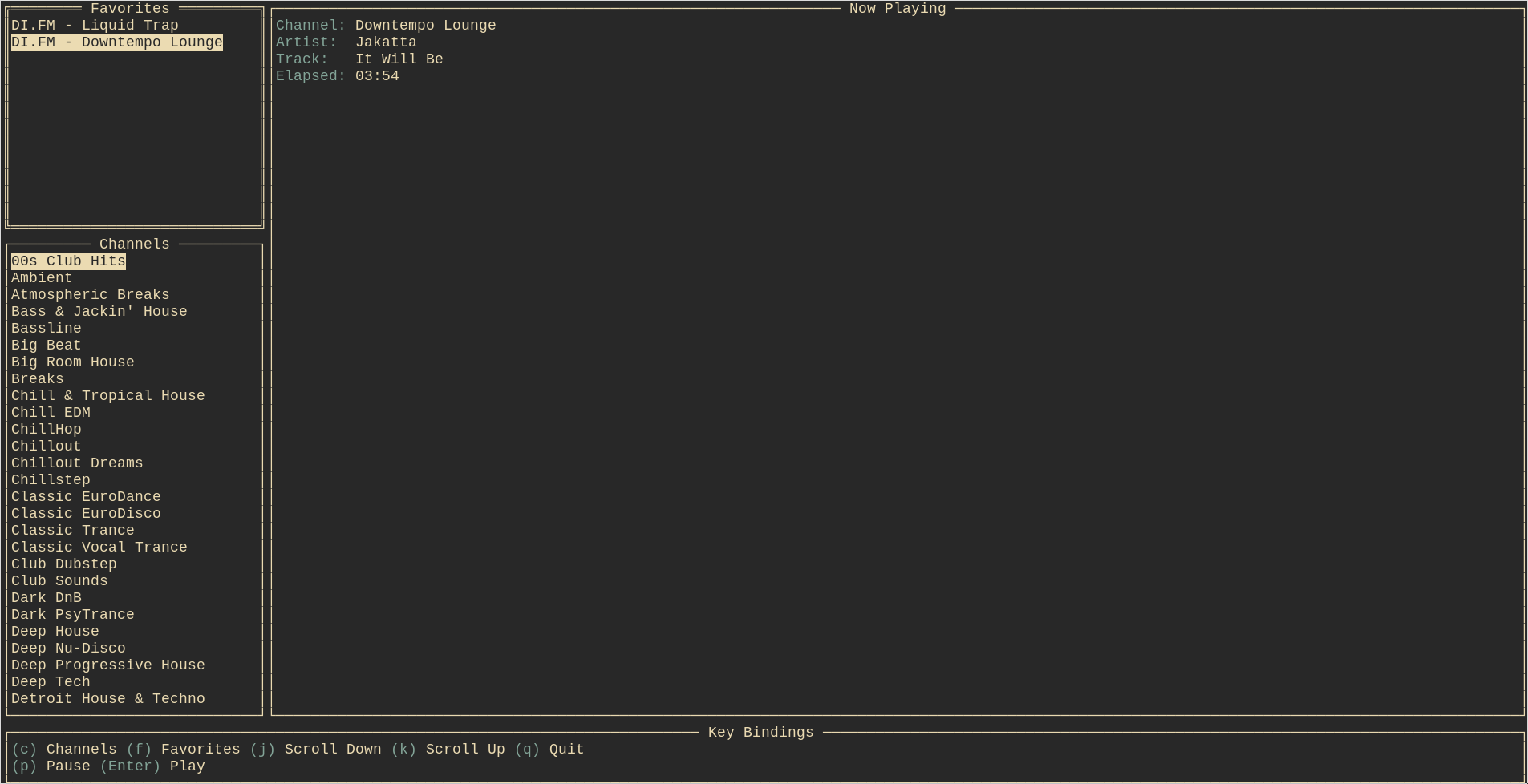
Caveat
Currently this is very crude proof of concept that was written over the course of ~8 hours. There are bugs. Help me improve it if you find it useful.
Install
This app has been tested on Linux and Mac, but not Windows. However, it should also build on Windows.
With go get
go get -u github.com/acaloiaro/di-tui
If $GOPATH/bin is not on your $PATH (modify accordingly for ZSH users ~/.zshrc)
echo "export PATH=$PATH:$GOPATH/bin" >> ~/.bashrc
source ~/.bashrc
If your $GOPATH is not set, see https://github.com/golang/go/wiki/SettingGOPATH
Authenticate
di-tui --username "you@yourdomain.com" --password "your password"
Run
di-tui